
Know every customer
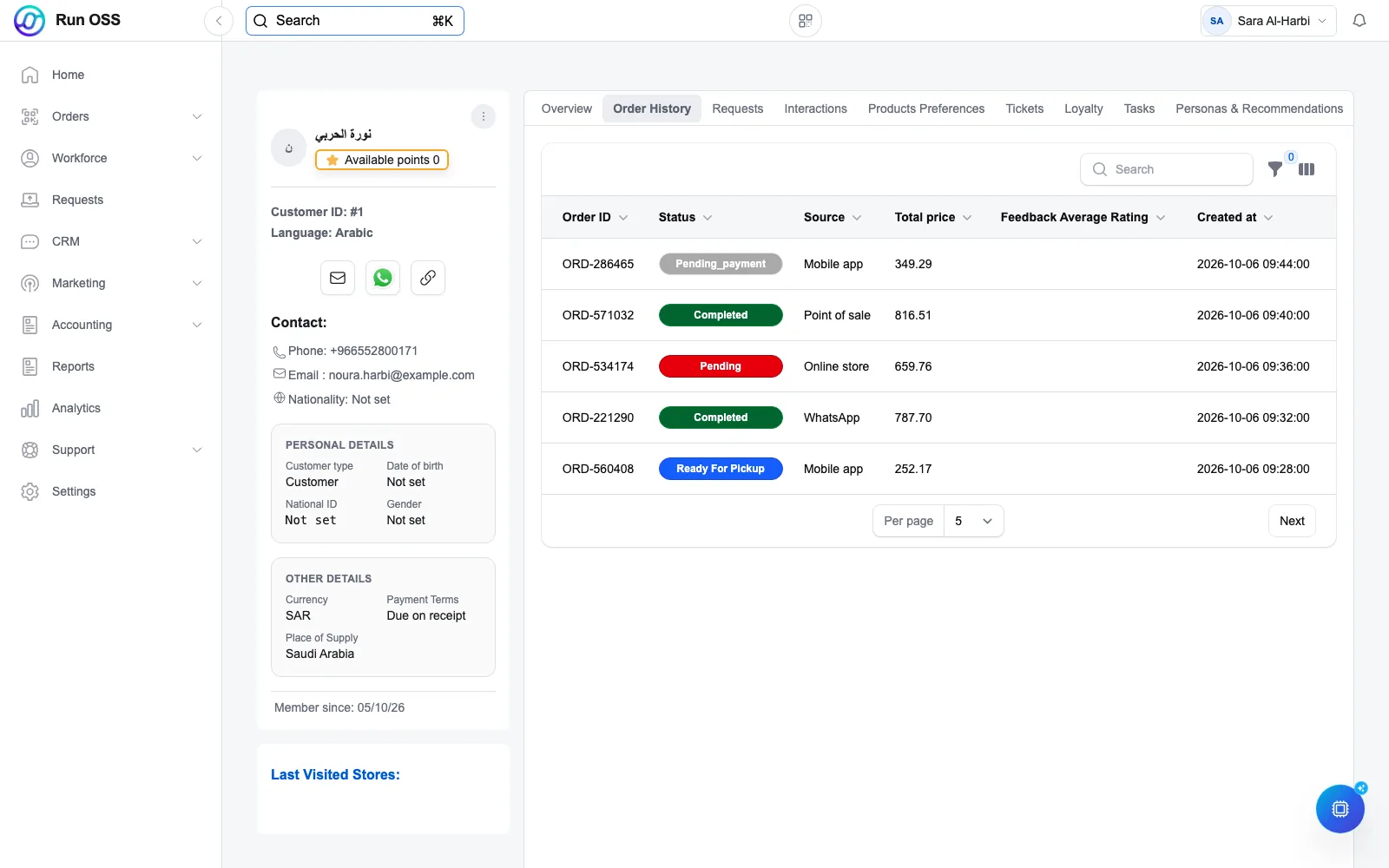
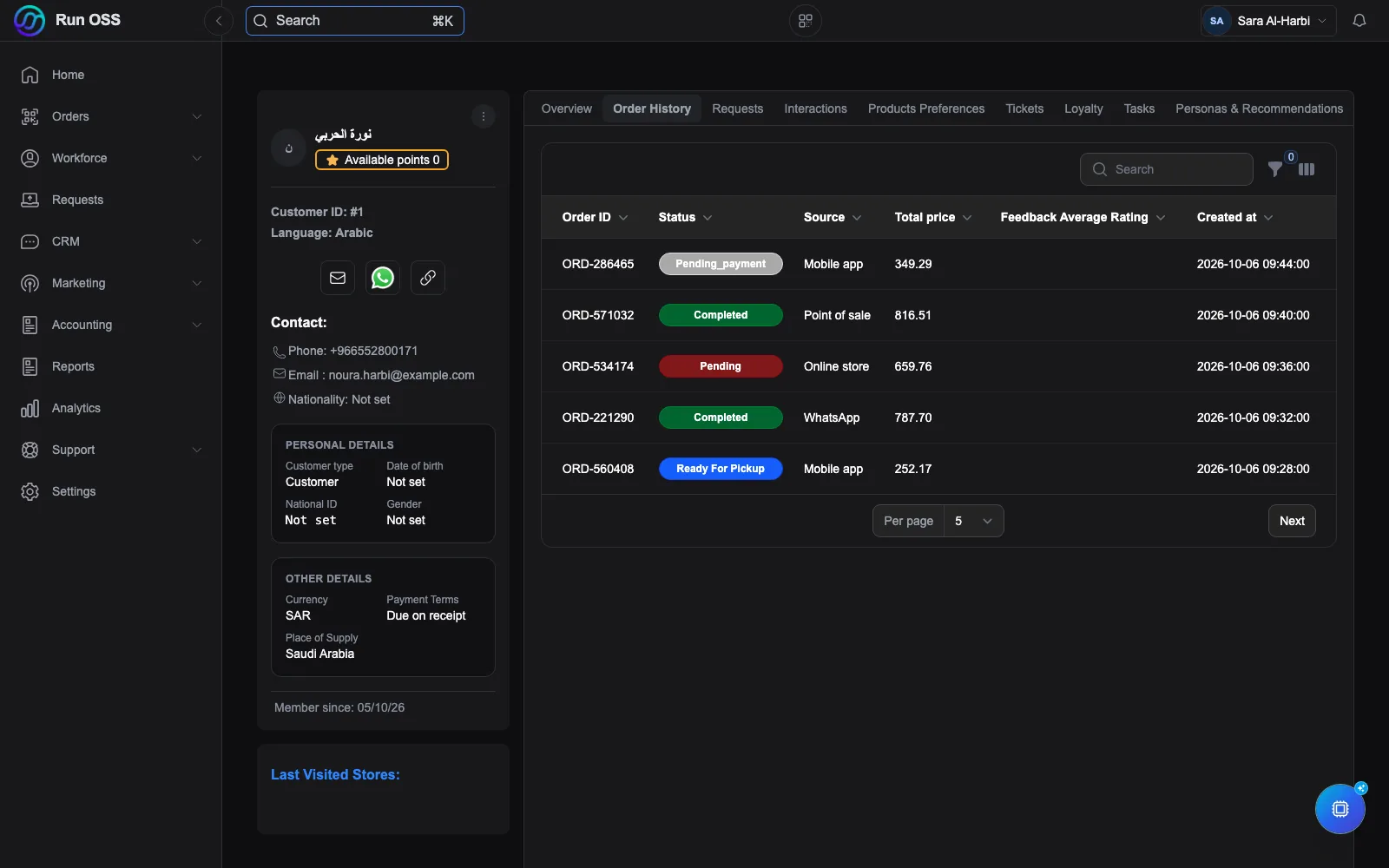
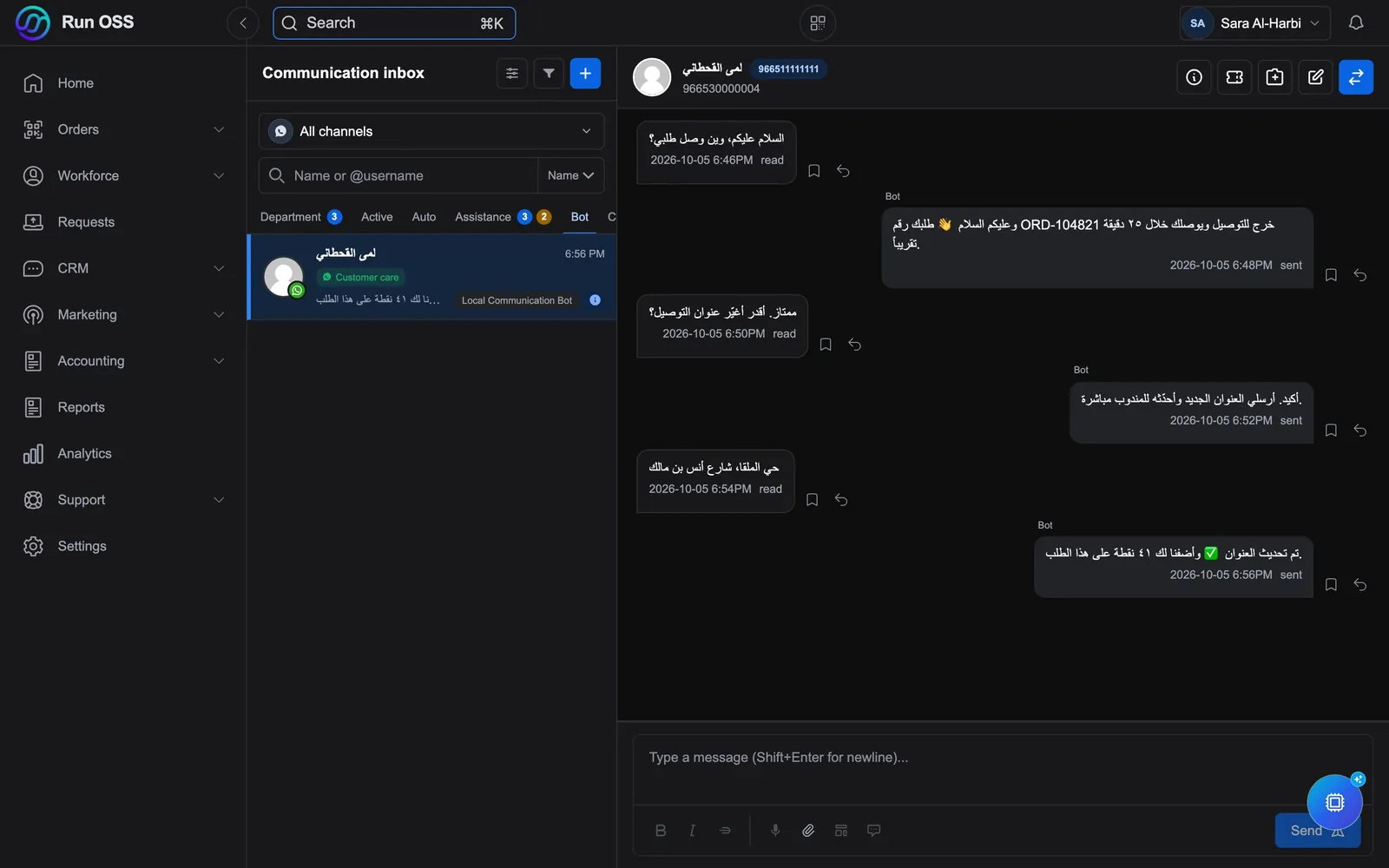
One record for each customer across WhatsApp, calls, branches and your online store, so anyone on the team can pick up where the last person left off.
CRM and operations system for Saudi businesses
Customers, WhatsApp, orders, payments and your team in one Arabic-first system. AI is built in, and a Saudi team sets it up with you.
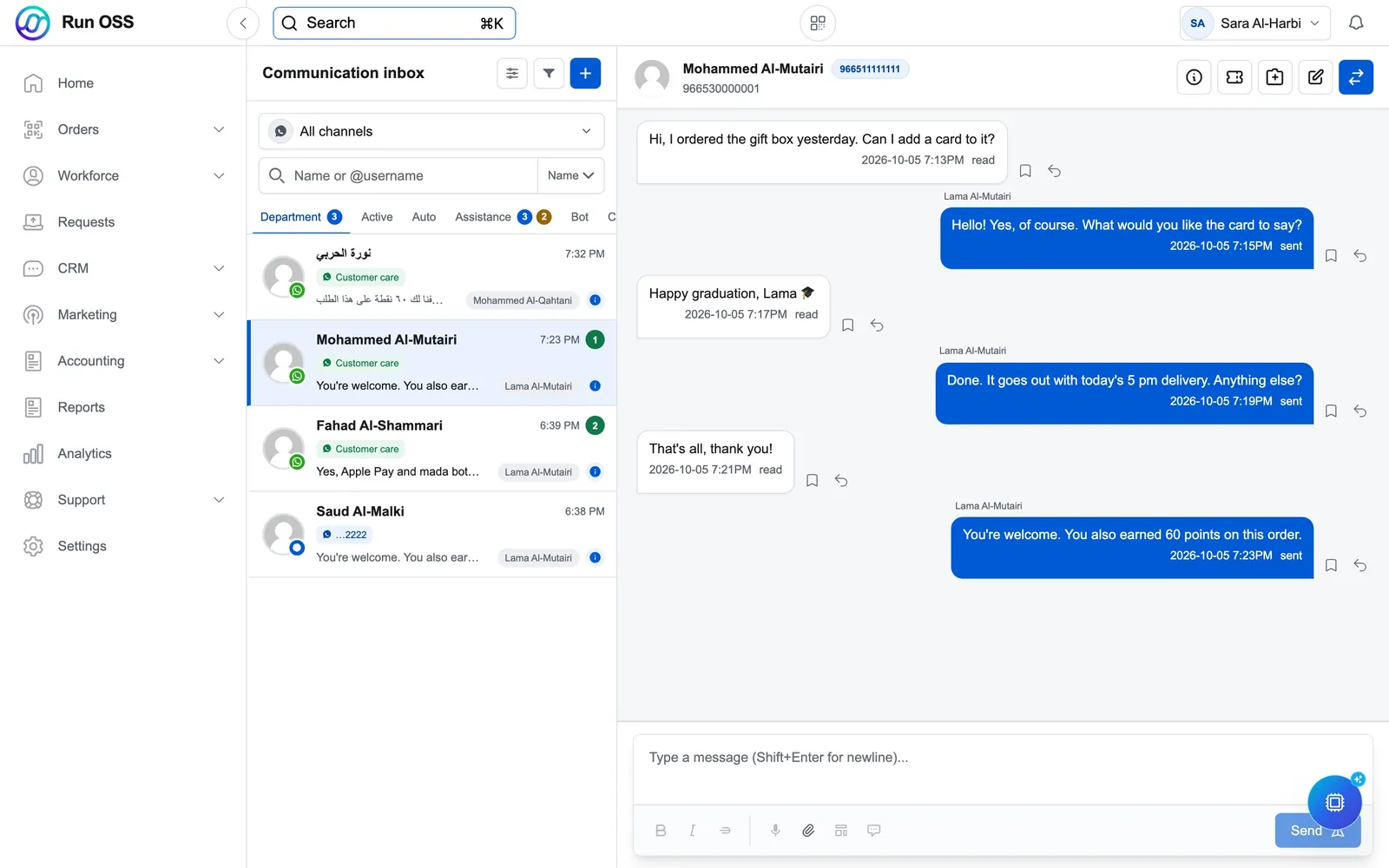
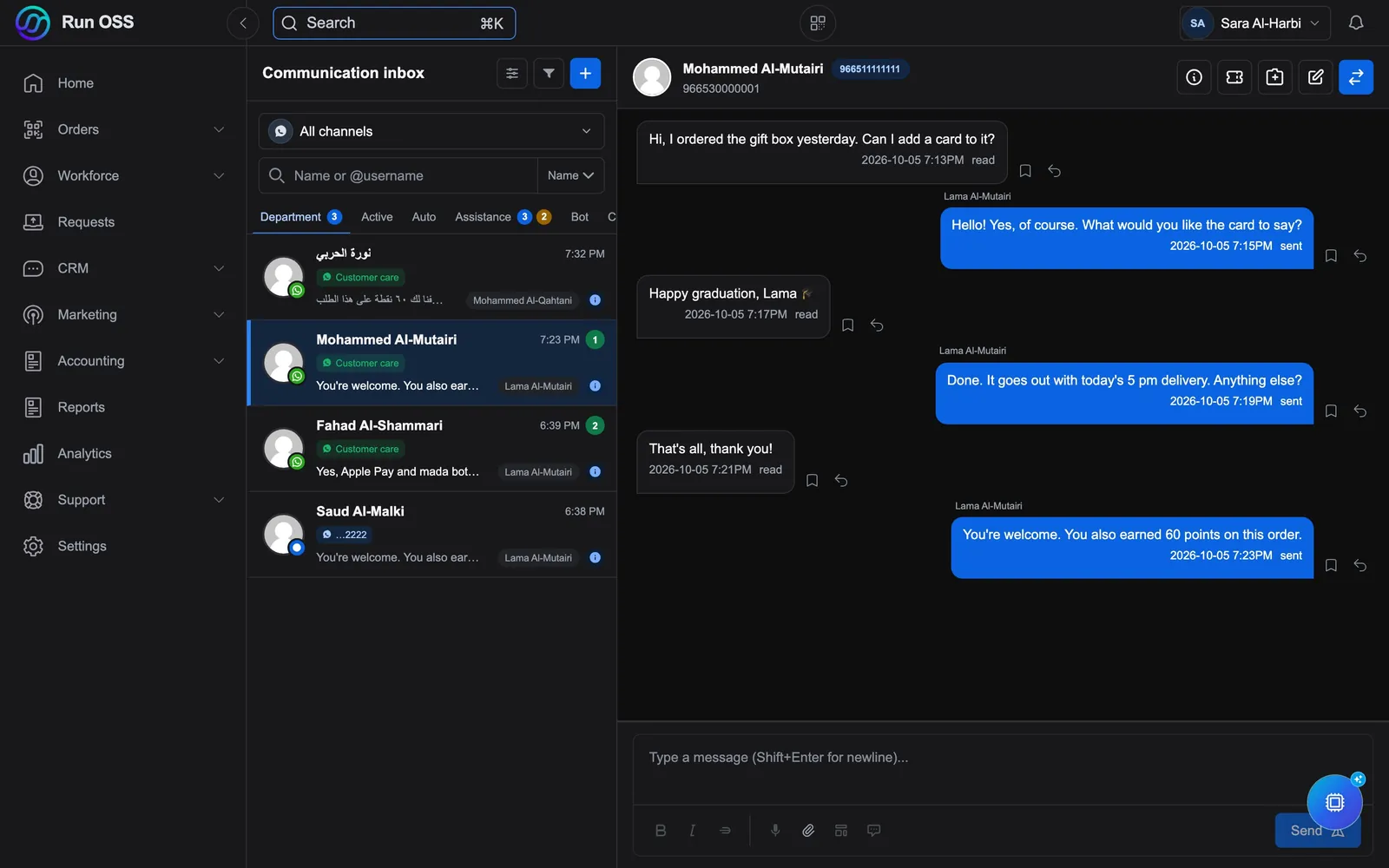
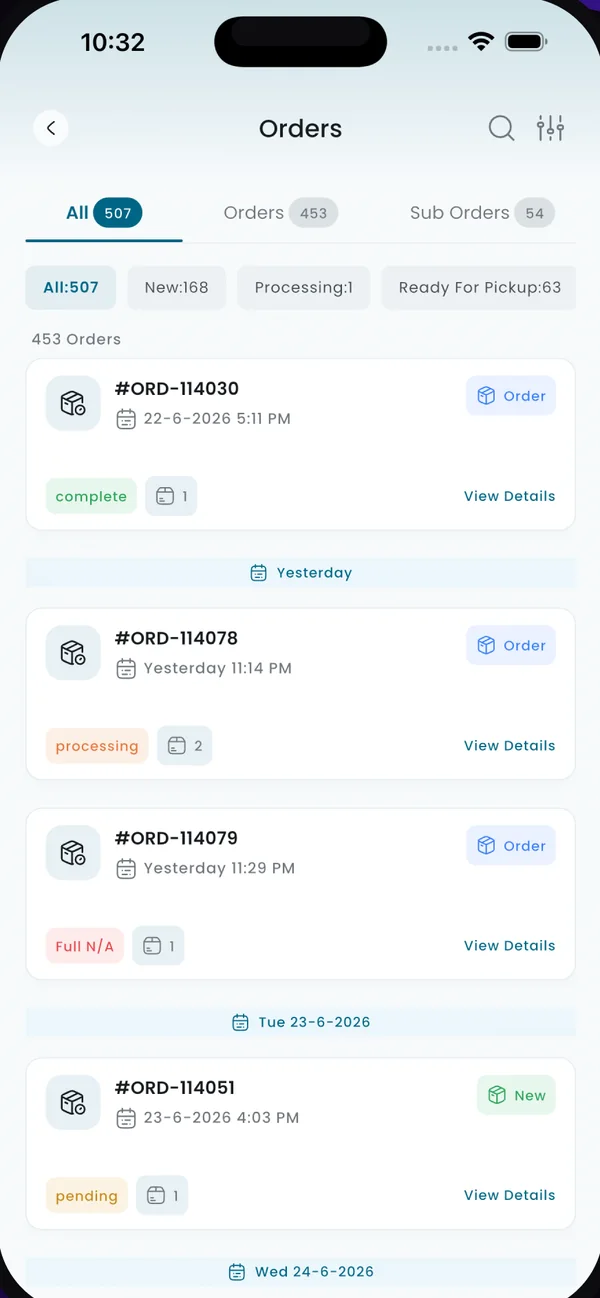
Real product screens with sample data.
One record for each customer across WhatsApp, calls, branches and your online store, so anyone on the team can pick up where the last person left off.
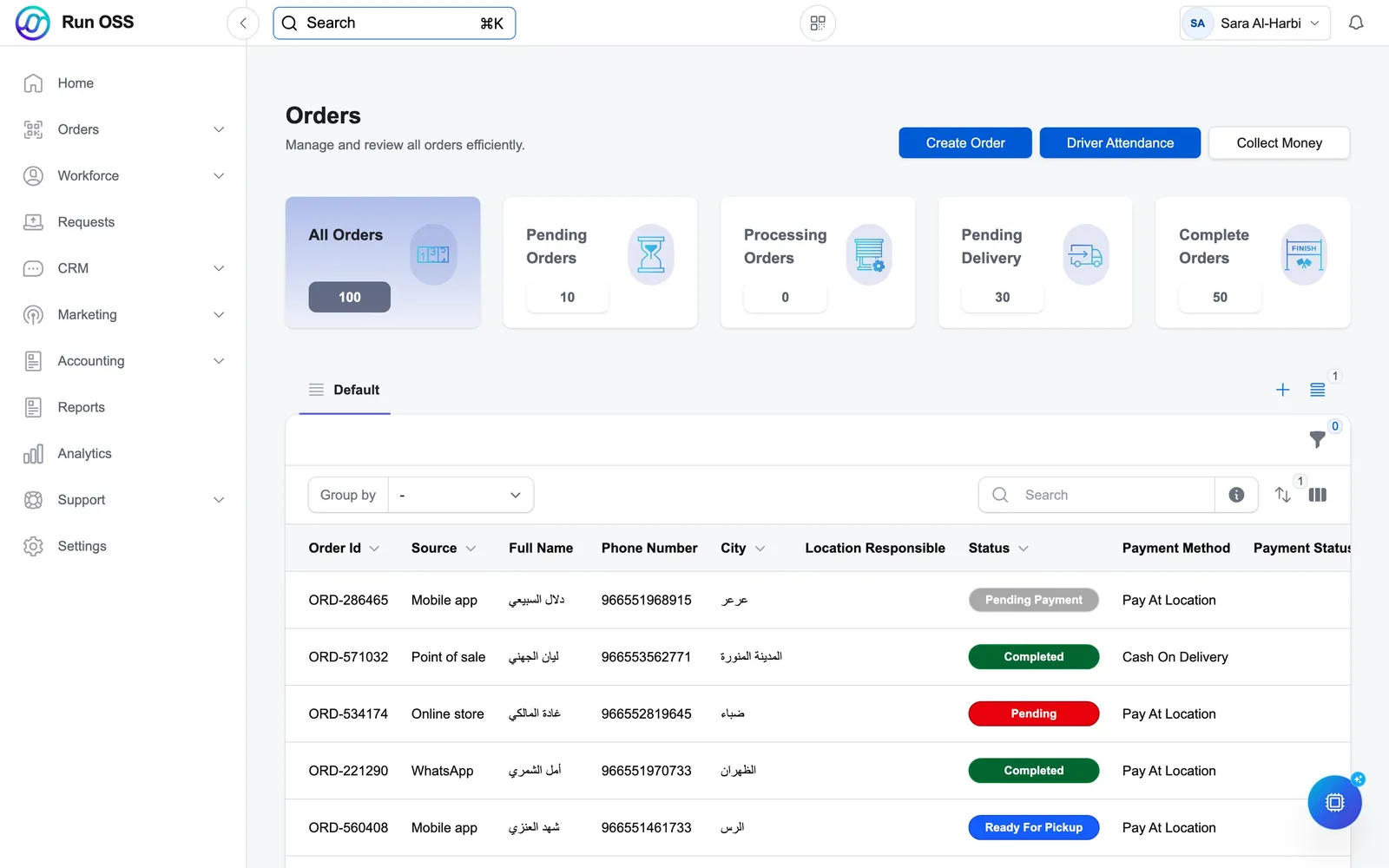
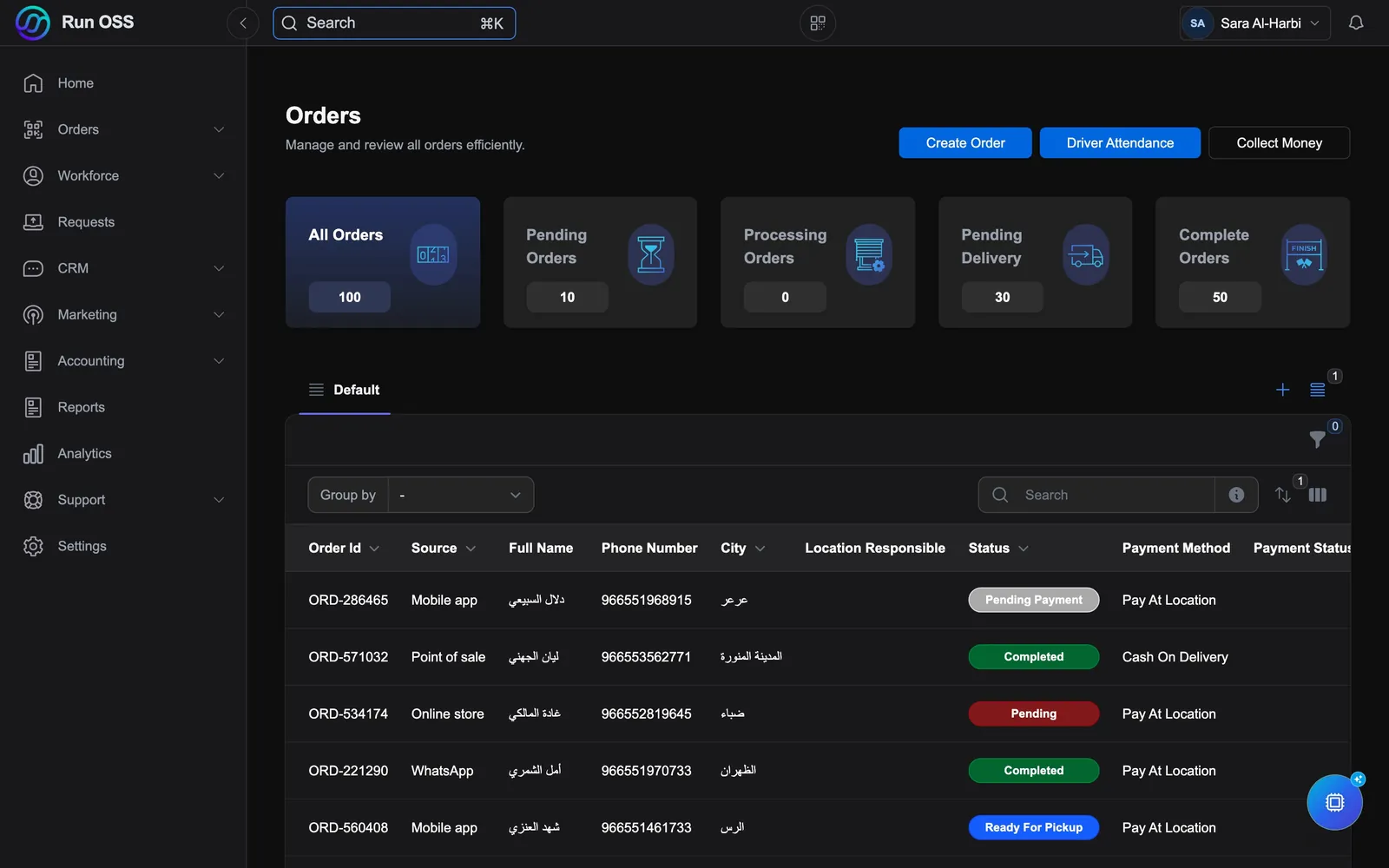
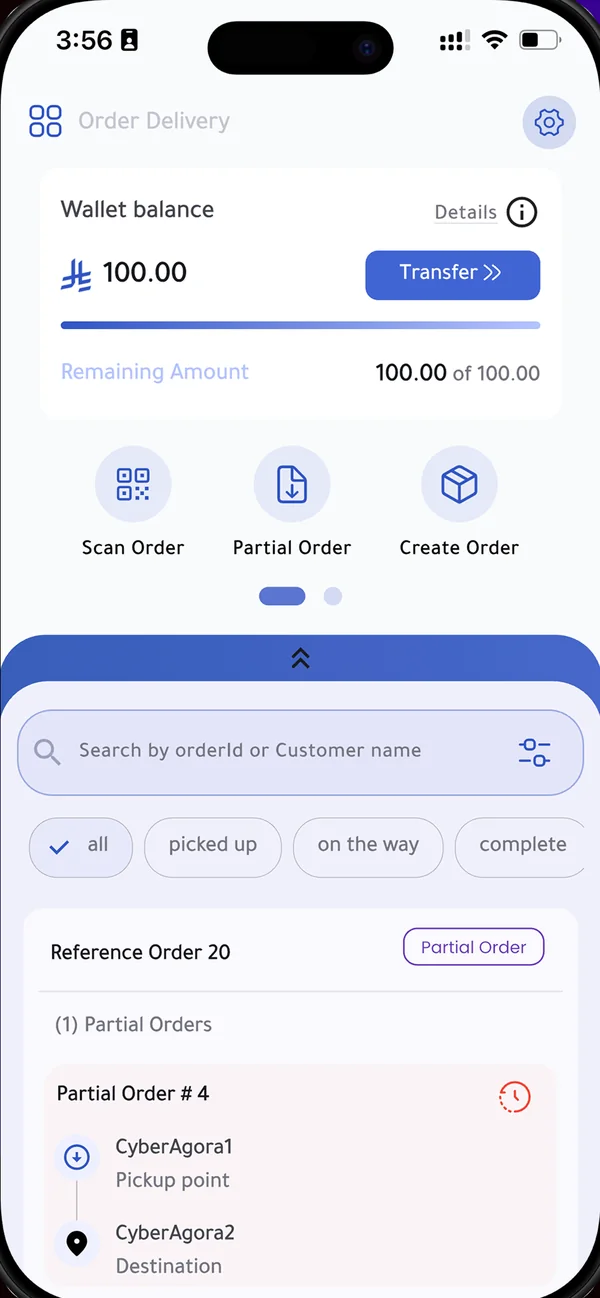
Orders from every channel land in one list. Take payment, prepare the order, hand it to the courier and follow the delivery from the same screen.
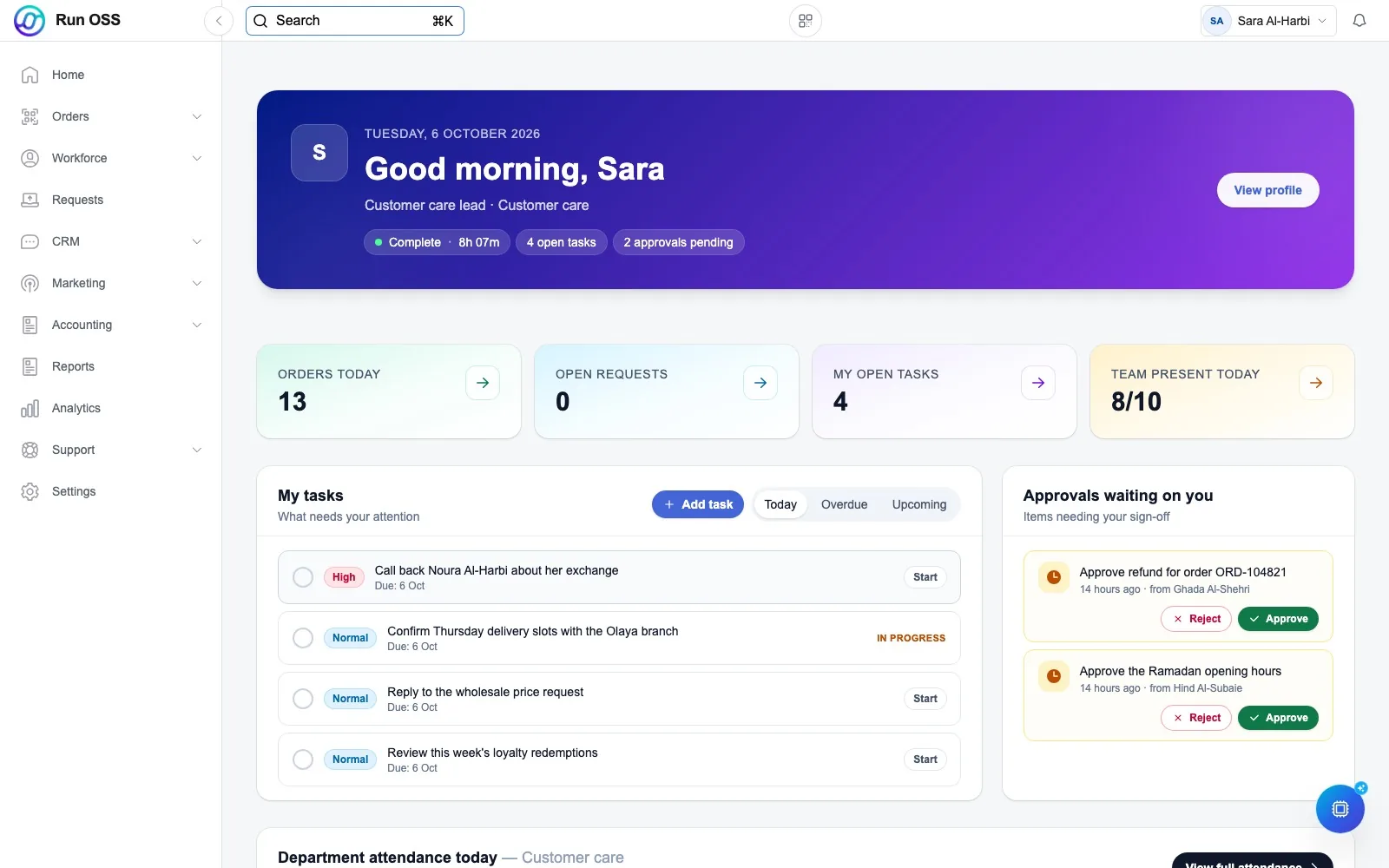
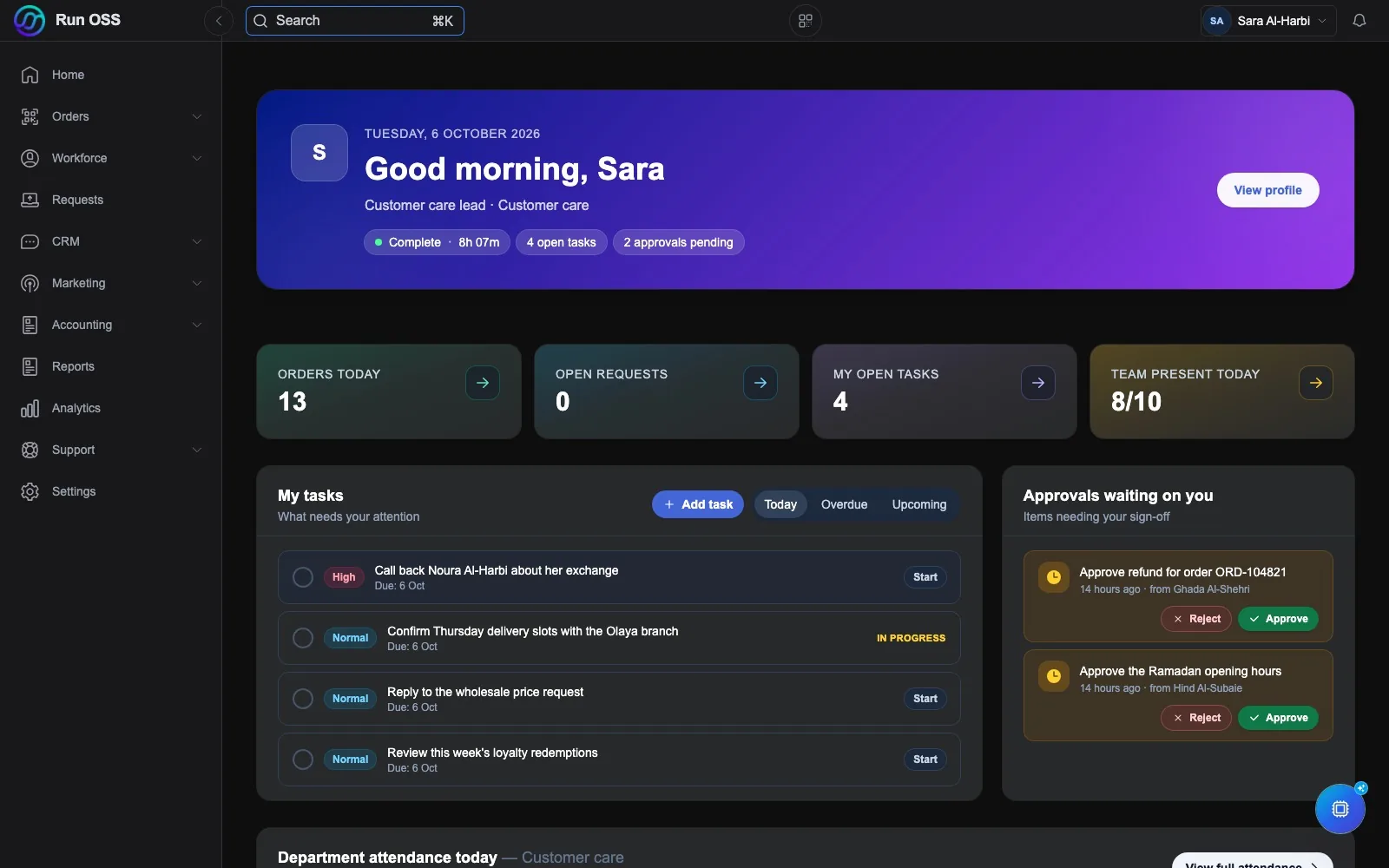
Tasks, approvals and attendance sit on one home screen, so the day's work is clear before anyone asks.
Bring in your contacts and connect your WhatsApp number. That alone gives you a working customer system.
Add orders, point of sale, loyalty, shipping, attendance or accounting when you are ready for them. Nothing has to be moved.
Our team links your store, payments and carriers, trains your people, and stays with you as the business changes.
What you can switch on
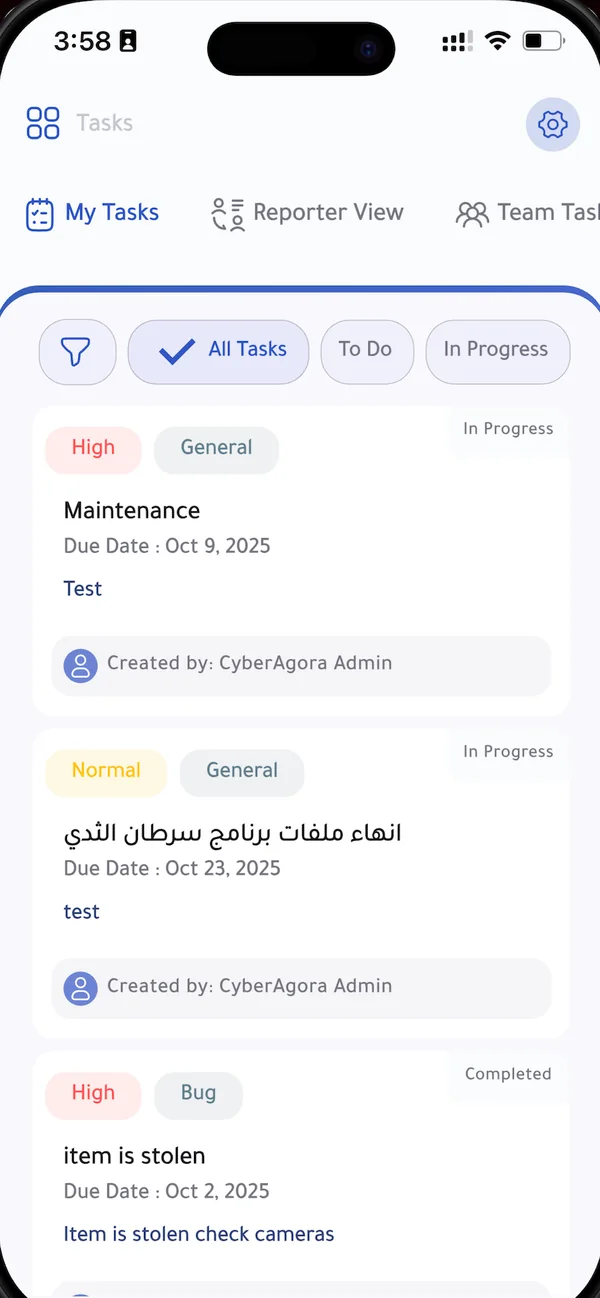
The same system on a laptop and on a phone.
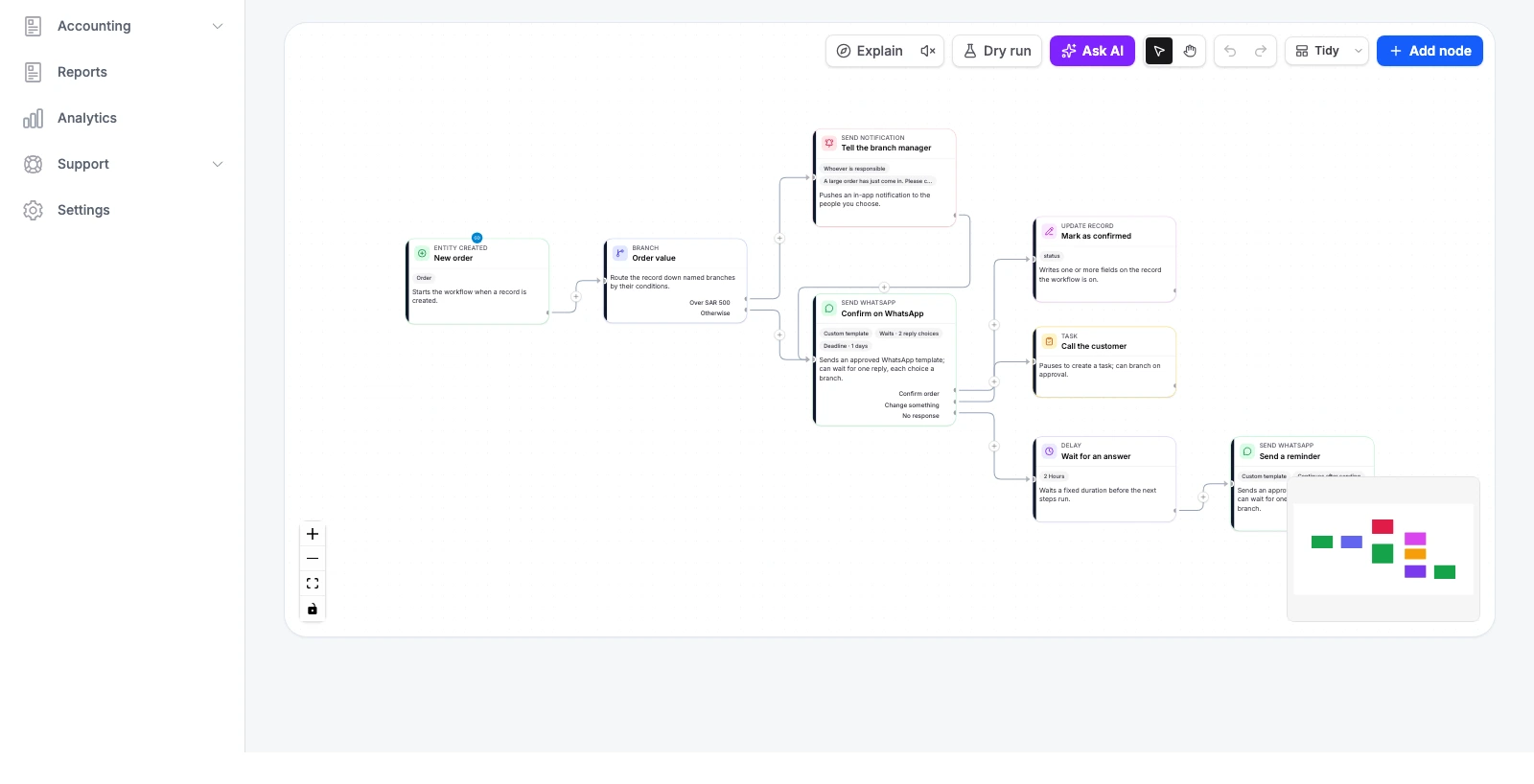
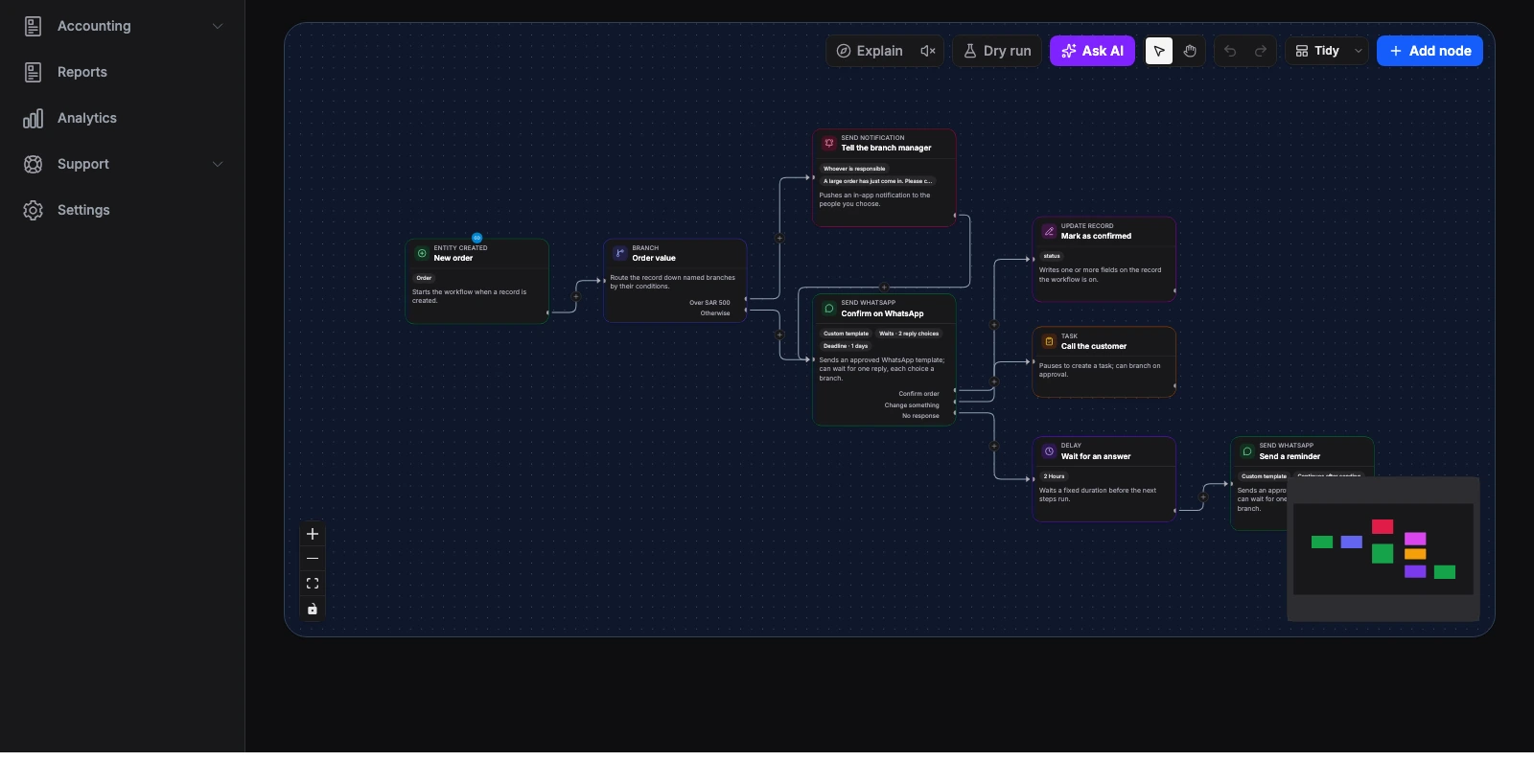
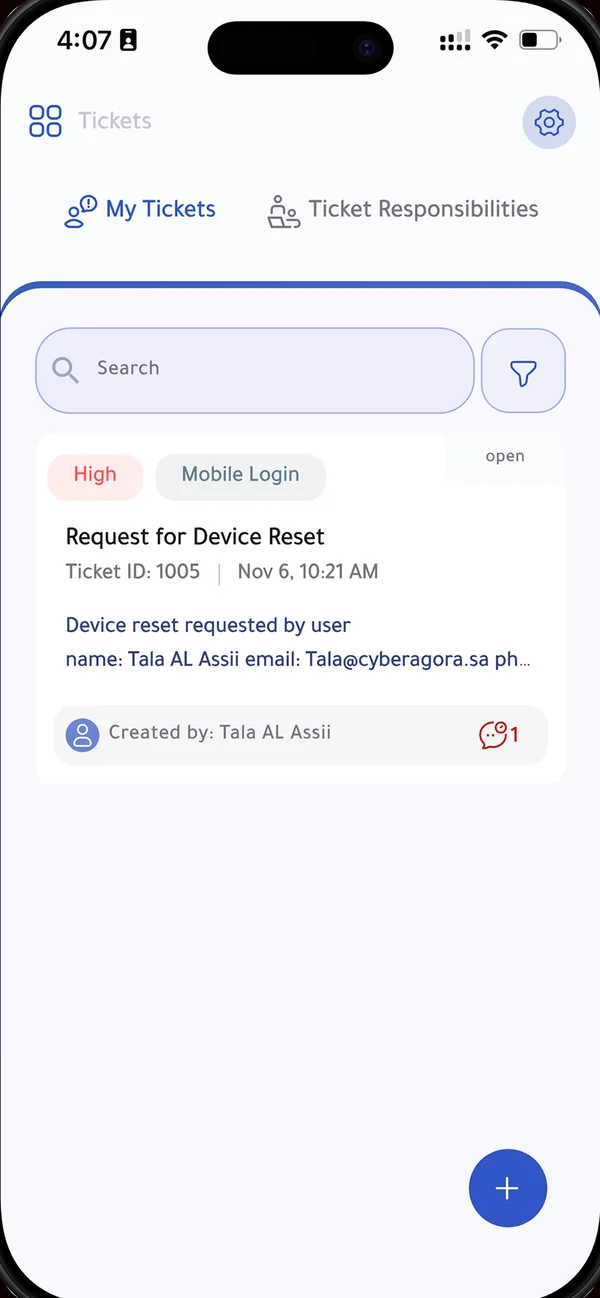
Every new order confirms itself on WhatsApp. A reply marks it confirmed, a change request creates a call for the team, and silence sends a reminder. You draw the steps; the system runs them.
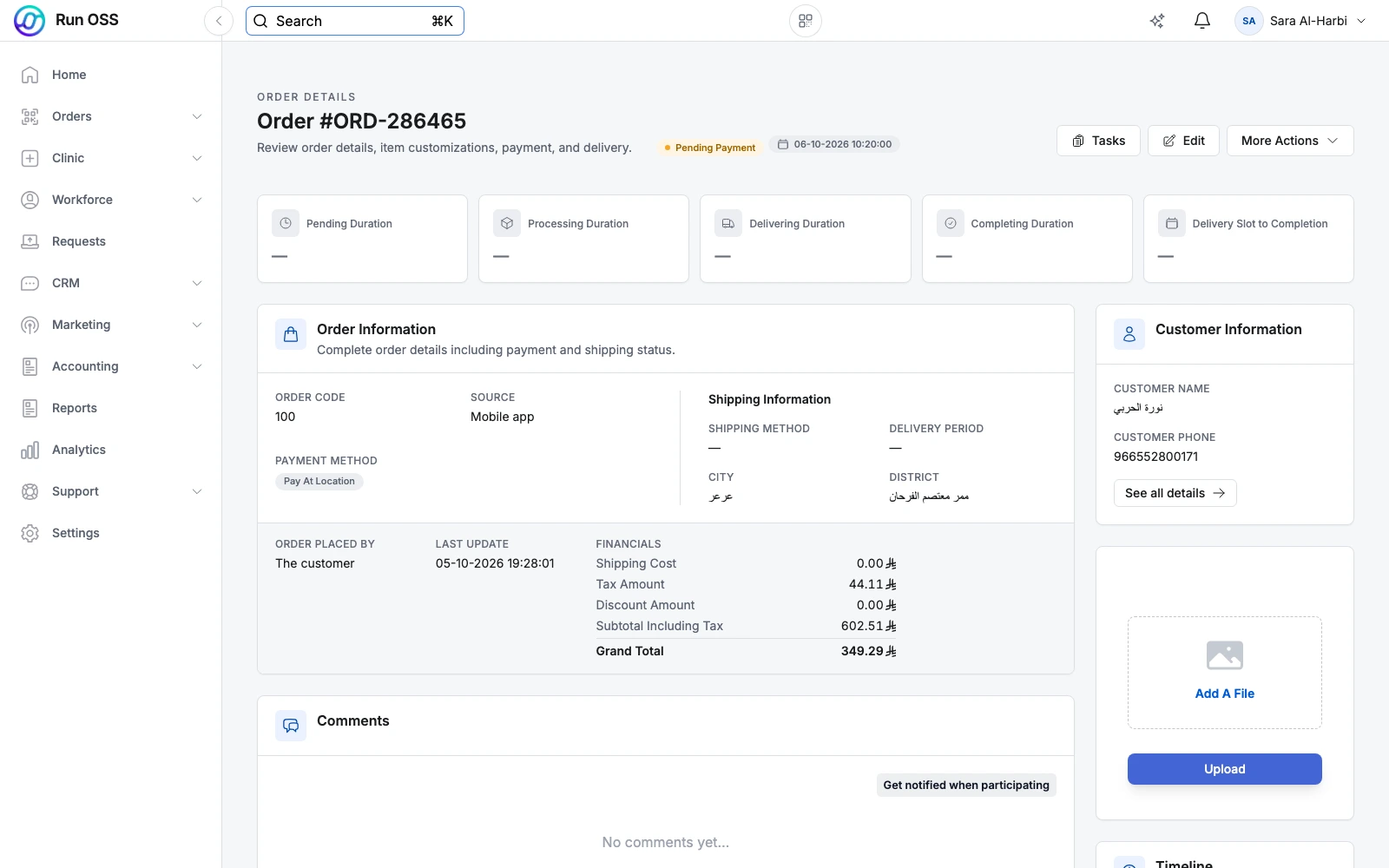
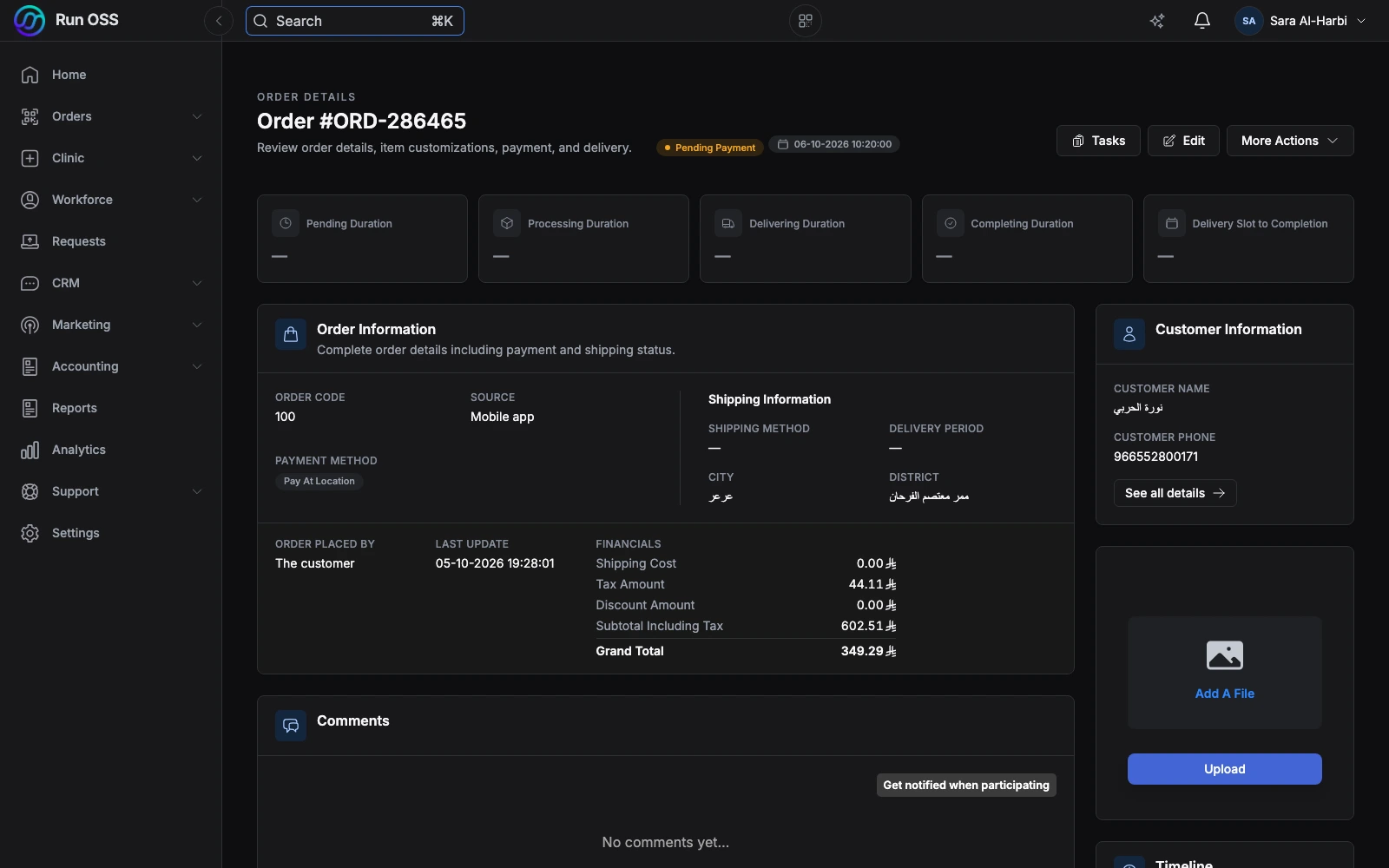
Every stage of an order on one page: how long it waited, how it was paid, who the customer is and where it is going. The same page whichever channel the order came from.
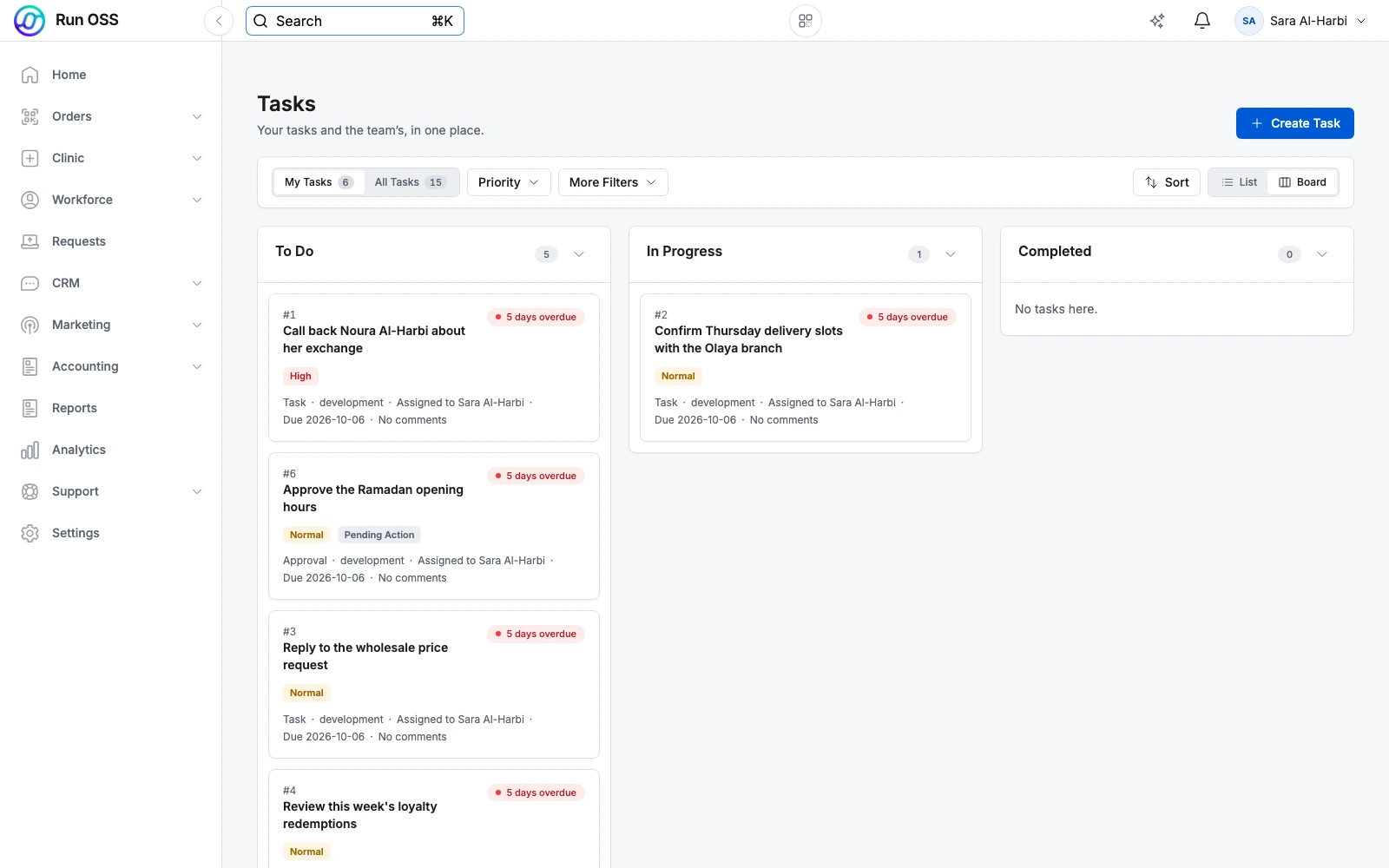
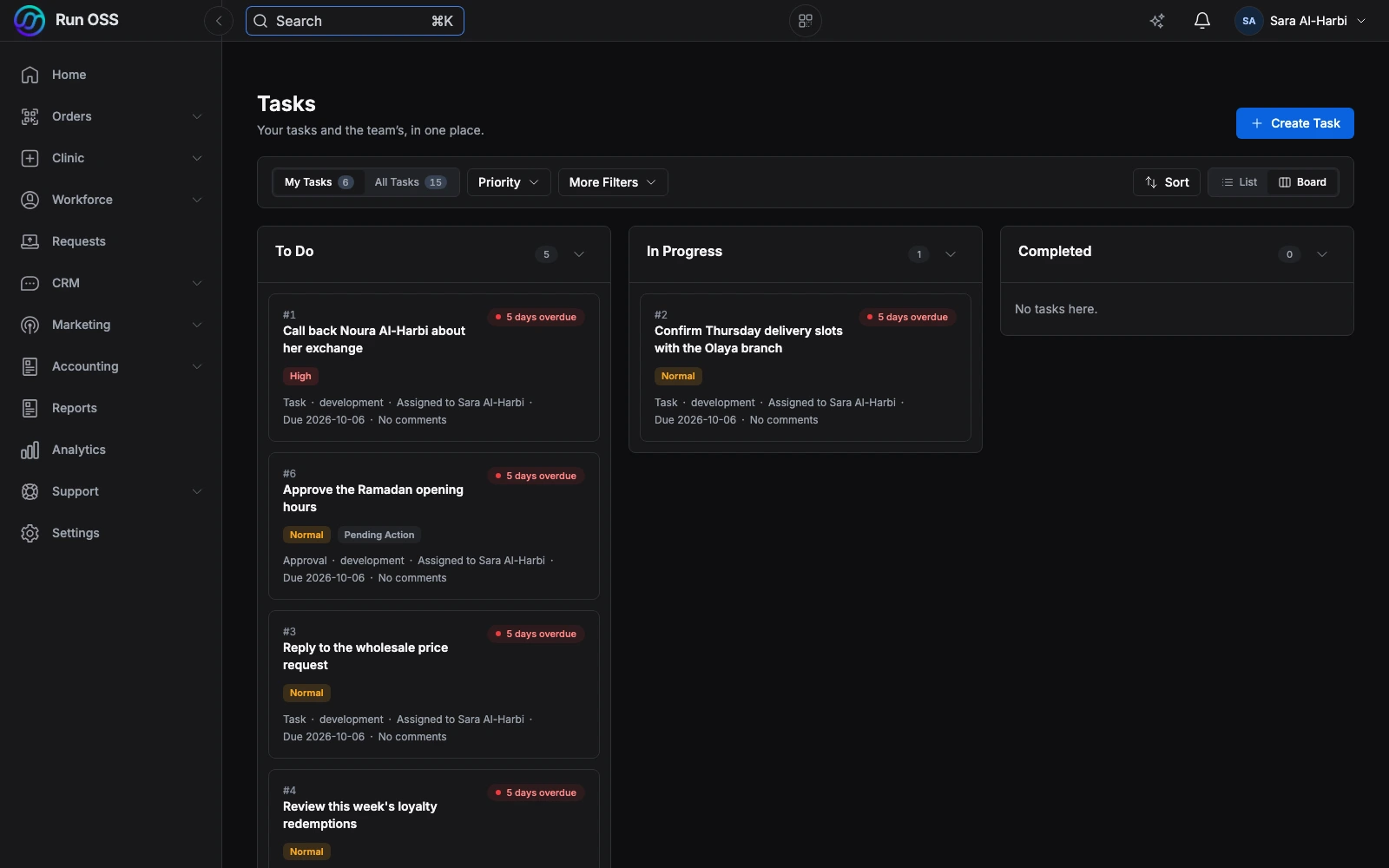
Tasks and approvals move across To do, In progress and Completed. Each card shows who owns it, how urgent it is and whether it is overdue, so nobody has to ask.
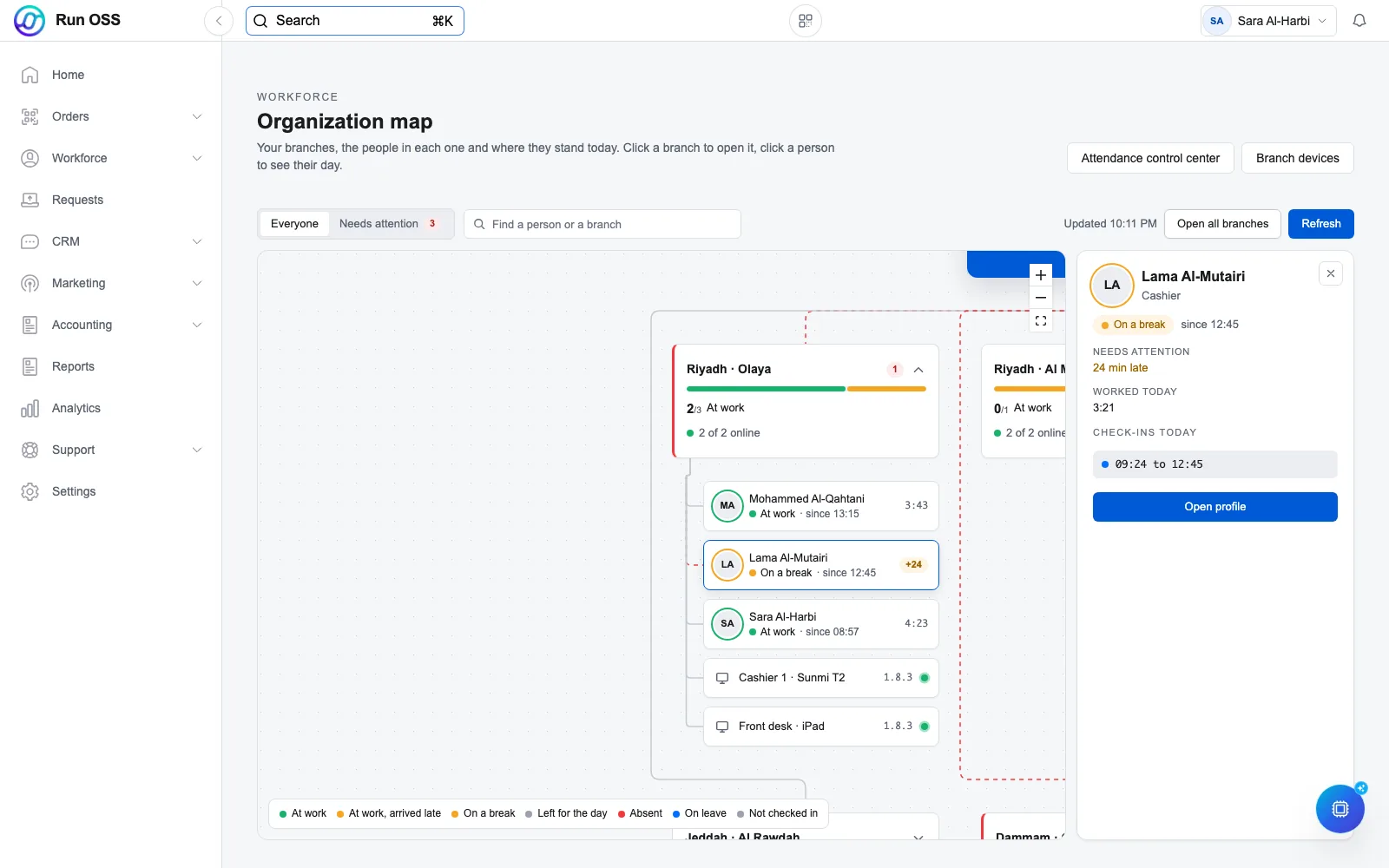
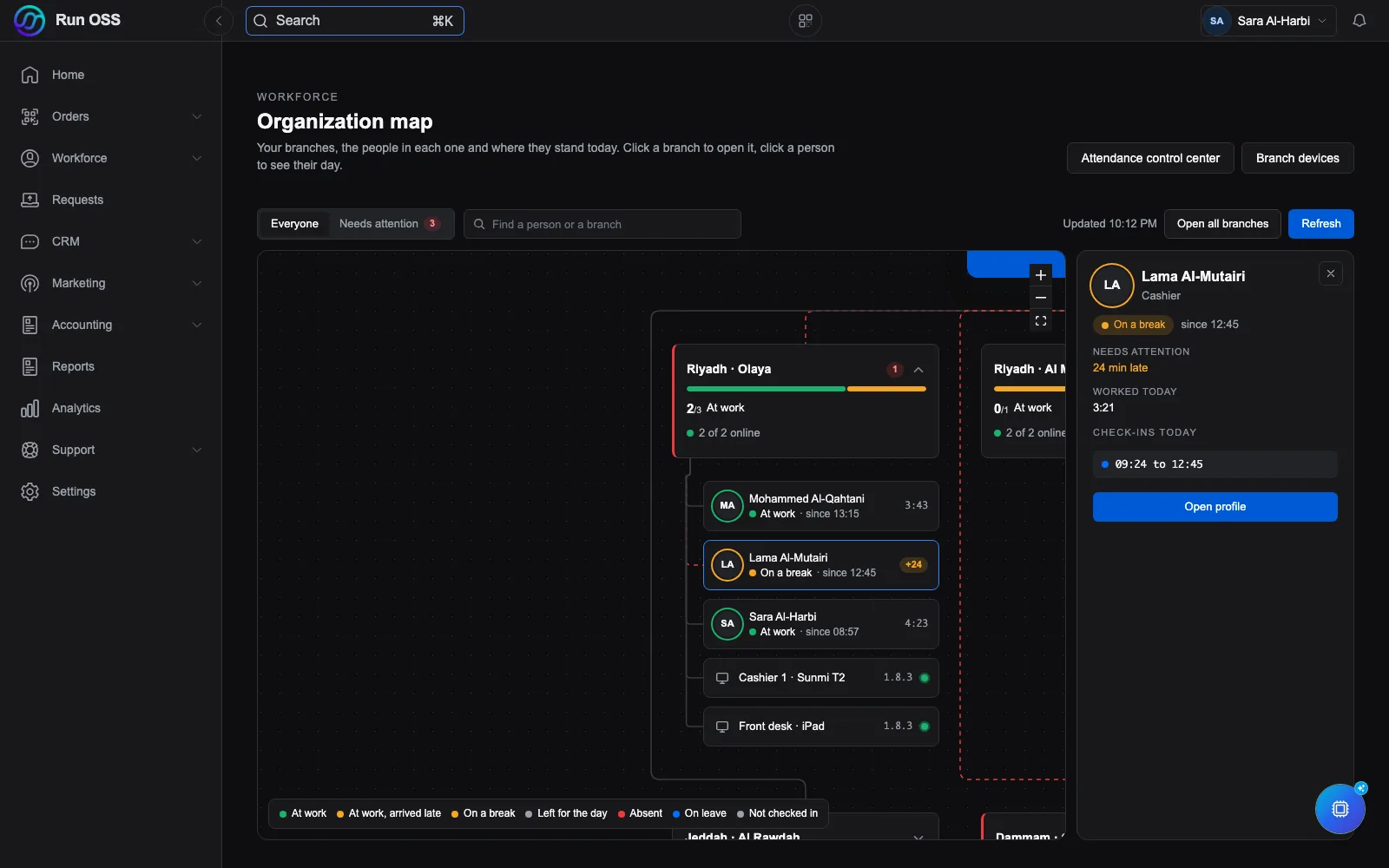
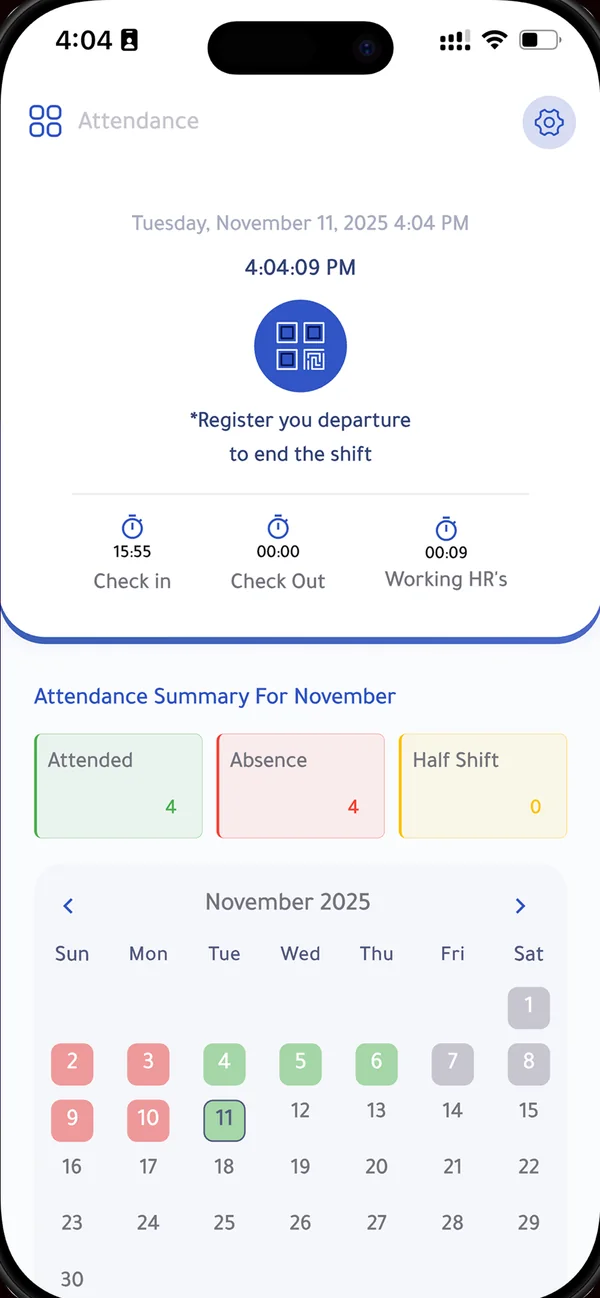
Every branch with the people in it and the devices on its counters. Click a branch to open it and see who is at work, who is on a break and who has not shown up, then click a person to see their day.
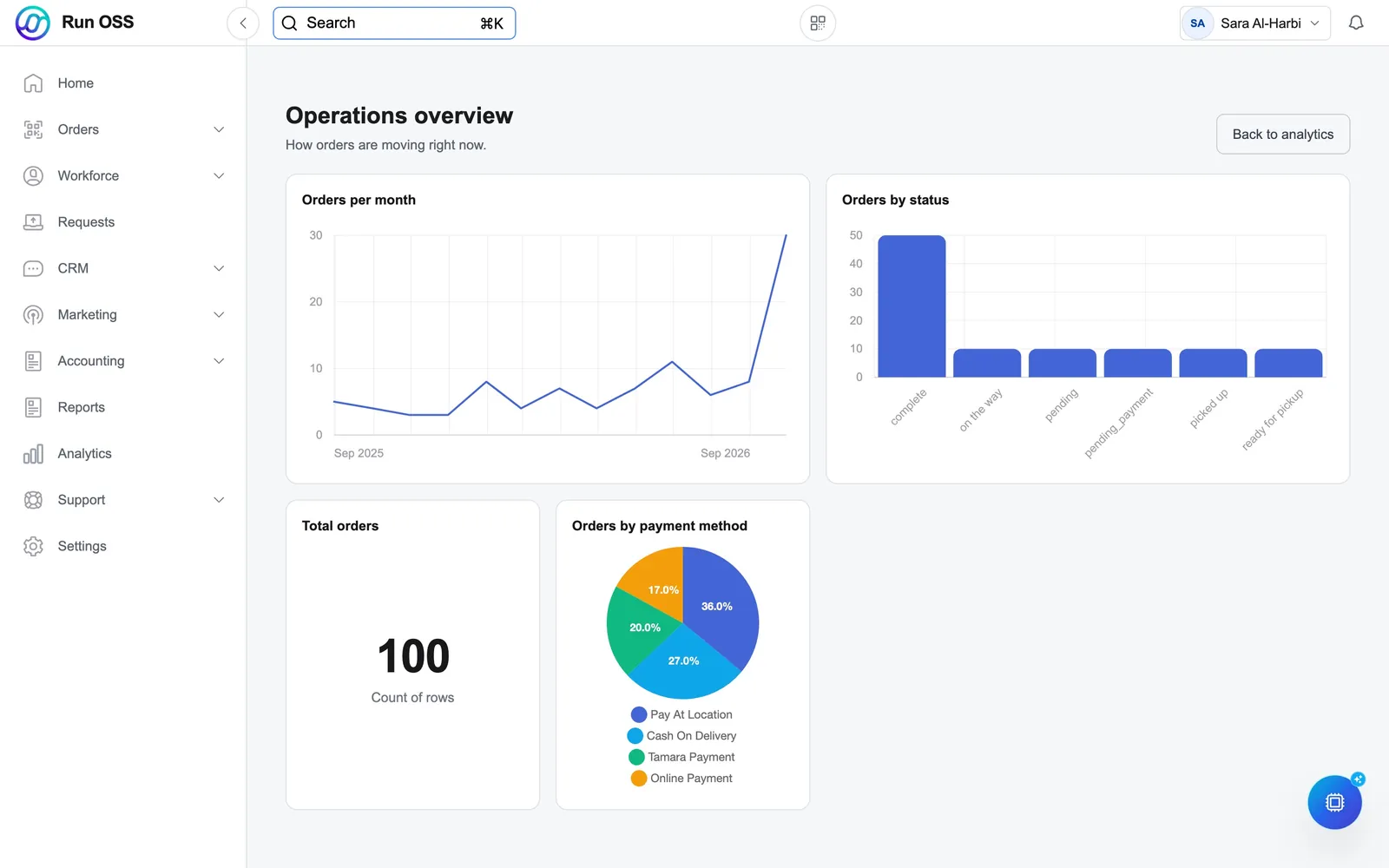
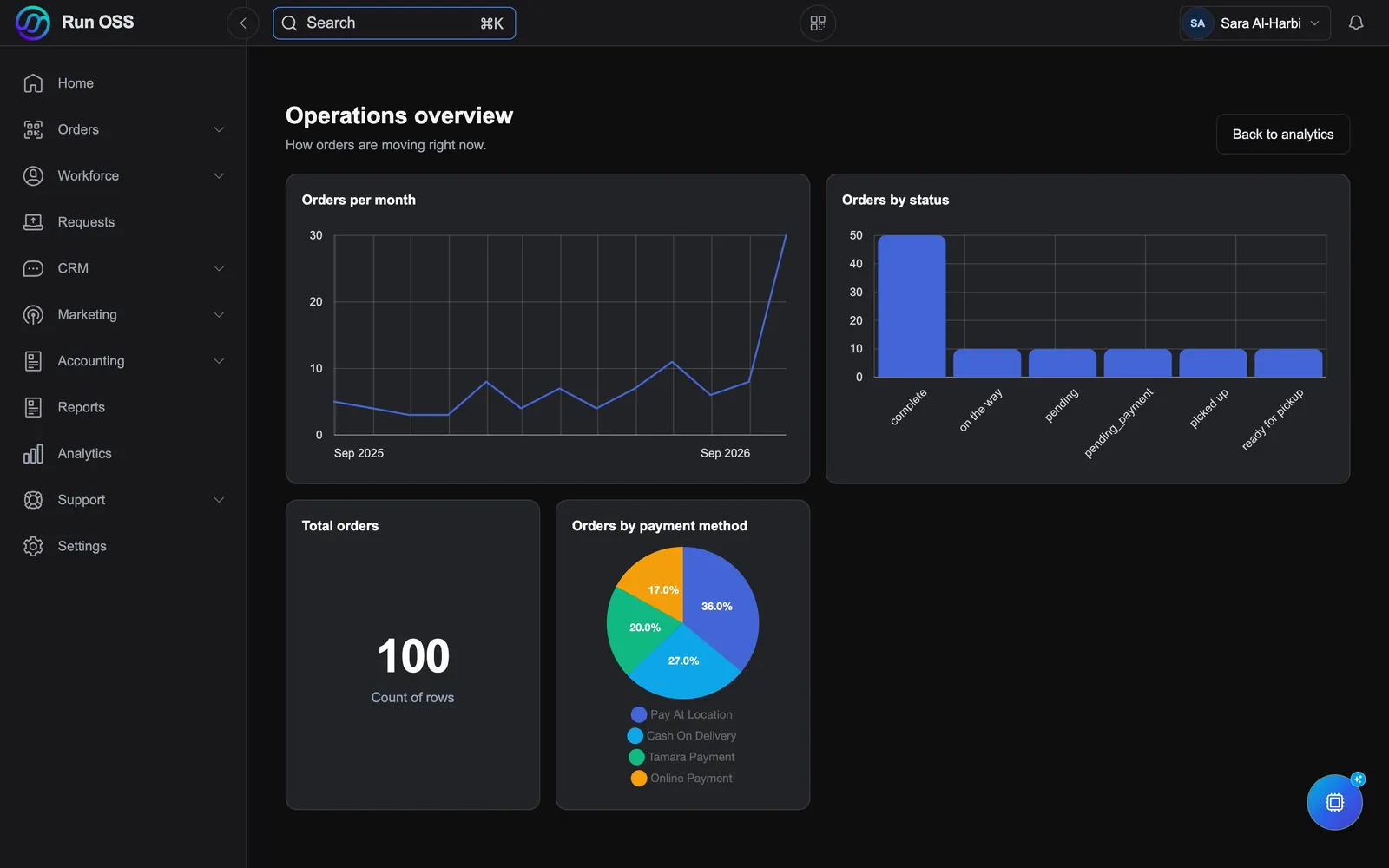
Build your own questions from your data and arrange them on dashboards the whole team can read.
Apps and devices
Run OSS is installed, not only opened in a tab: native apps for iPhone, iPad, Android, Mac and Windows, with the browser there whenever you are away from your own device.
OSS Connect from the App Store, for iOS 13 and later.
Open the App StoreOSS Connect from Google Play, for phones, tablets and point-of-sale devices.
Open Google PlayOSS Connect for macOS. It keeps itself up to date.
Download for MacOSS Connect for Windows. It keeps itself up to date.
Download for WindowsNot allowed to install on a machine? Sign in from any modern browser and carry on.
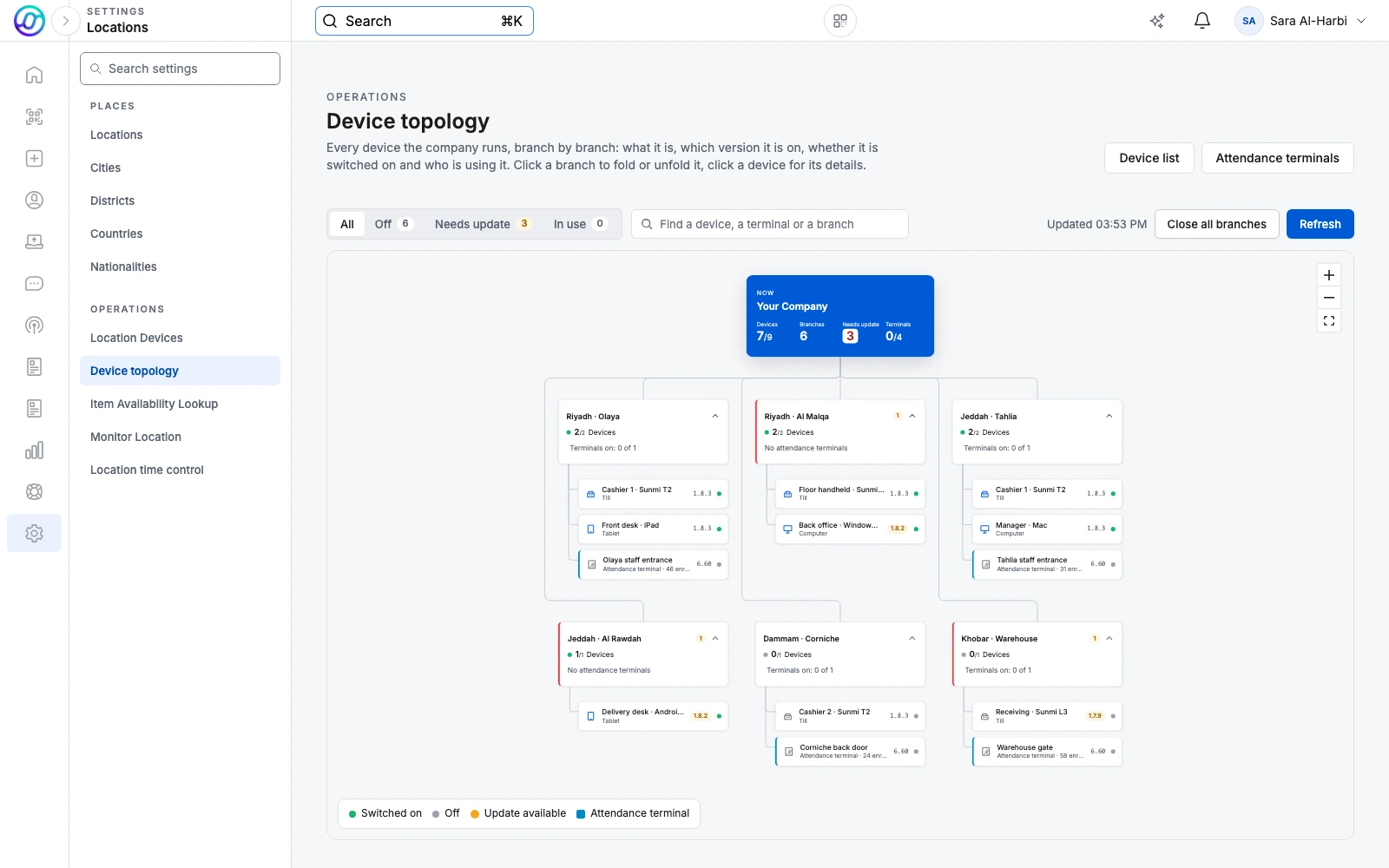
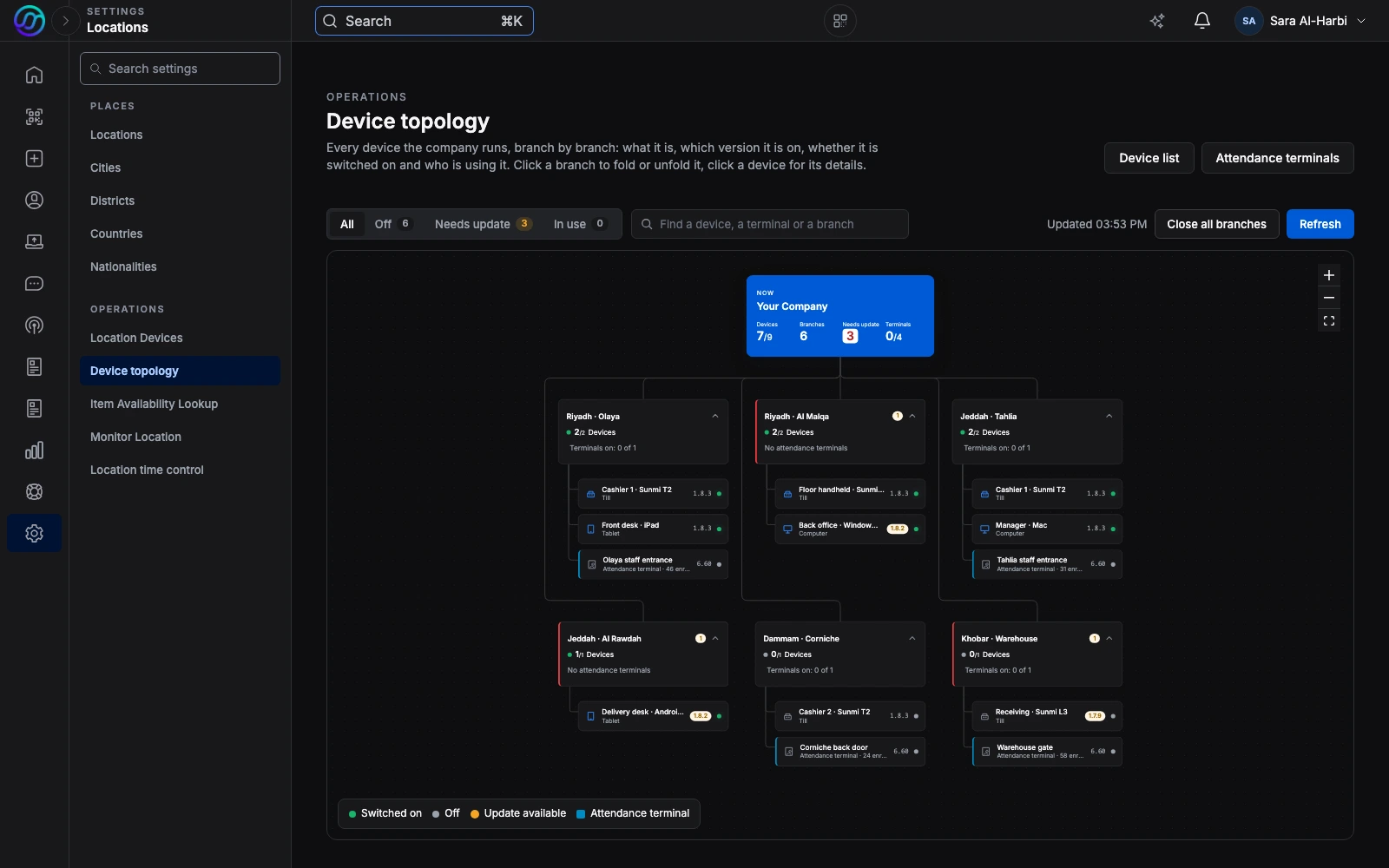
Every till, tablet, phone and computer that runs the app sits under its branch: which version it is on, which have fallen behind, which are switched on right now and who is signed in at each till, with the attendance terminals at the door beside them. Nobody has to walk the floor to find out what is installed where.
Real product screens with sample data.
Every device reports the app version it is on, so a branch that has fallen behind is obvious.
A live status shows which devices are connected right now, and when the others were last seen.
Remove a branch device, or deactivate a staff member's phone, and it is signed out.
Hardware
For a new site we choose the equipment, supply and install it, and connect it to Run OSS. If you already own equipment, we connect what you have, so your team learns one system instead of one per device.
UniFi Protect cameras and UniFi Access doors report their events into Run OSS, on one network we install and look after.
Counter screens and handhelds run the Run OSS app for selling, scanning and receiving stock.
Link a payment terminal to a branch device and take card payments as part of the sale.
Fitted in delivery vehicles: live position and speed, plus temperature and humidity in the cargo area.
Switch equipment on and off, and read power use and temperature, from the system that runs the branch.
Keep the fingerprint and face terminals you own: they register themselves, and every punch lands in the right employee's attendance record.
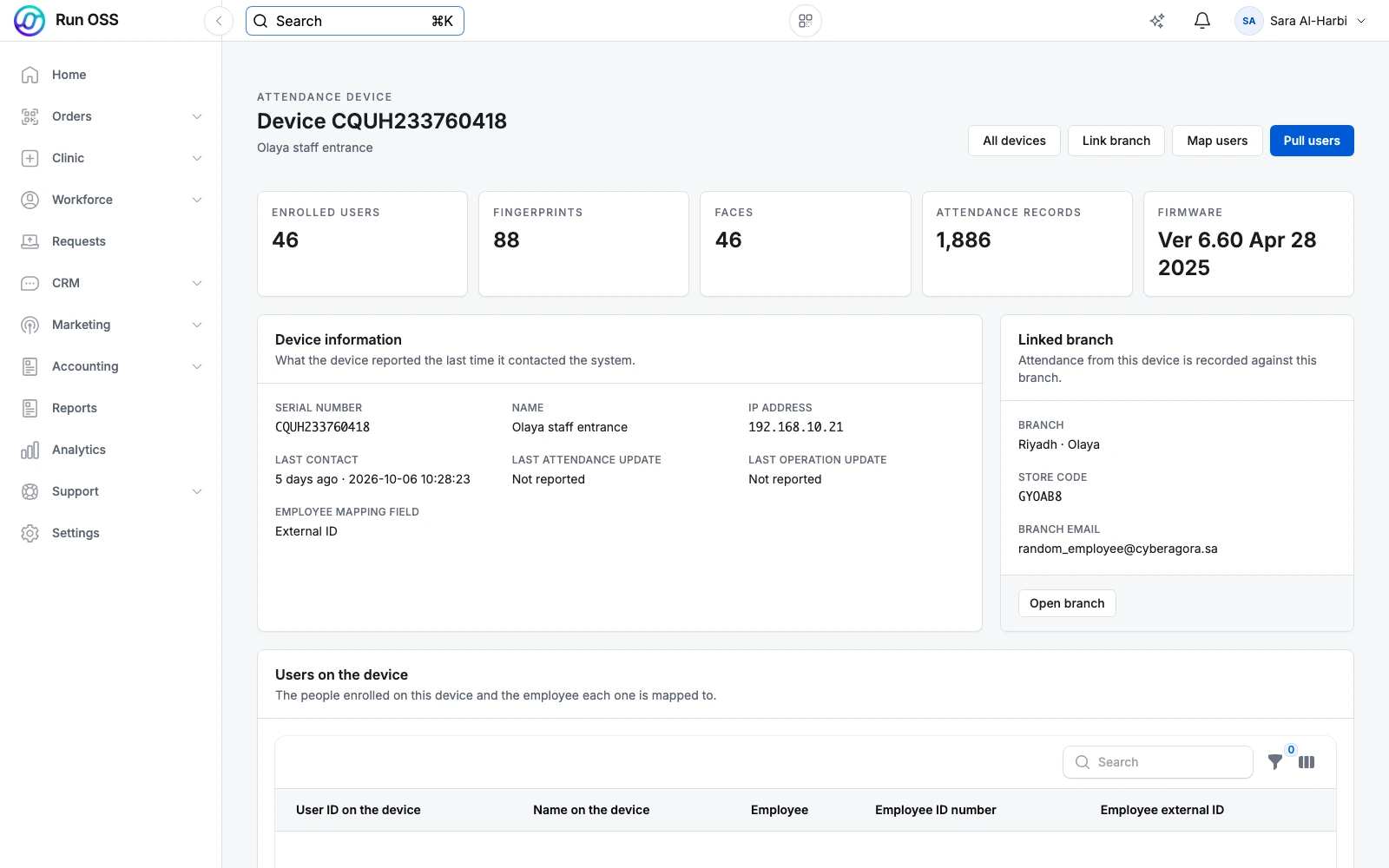
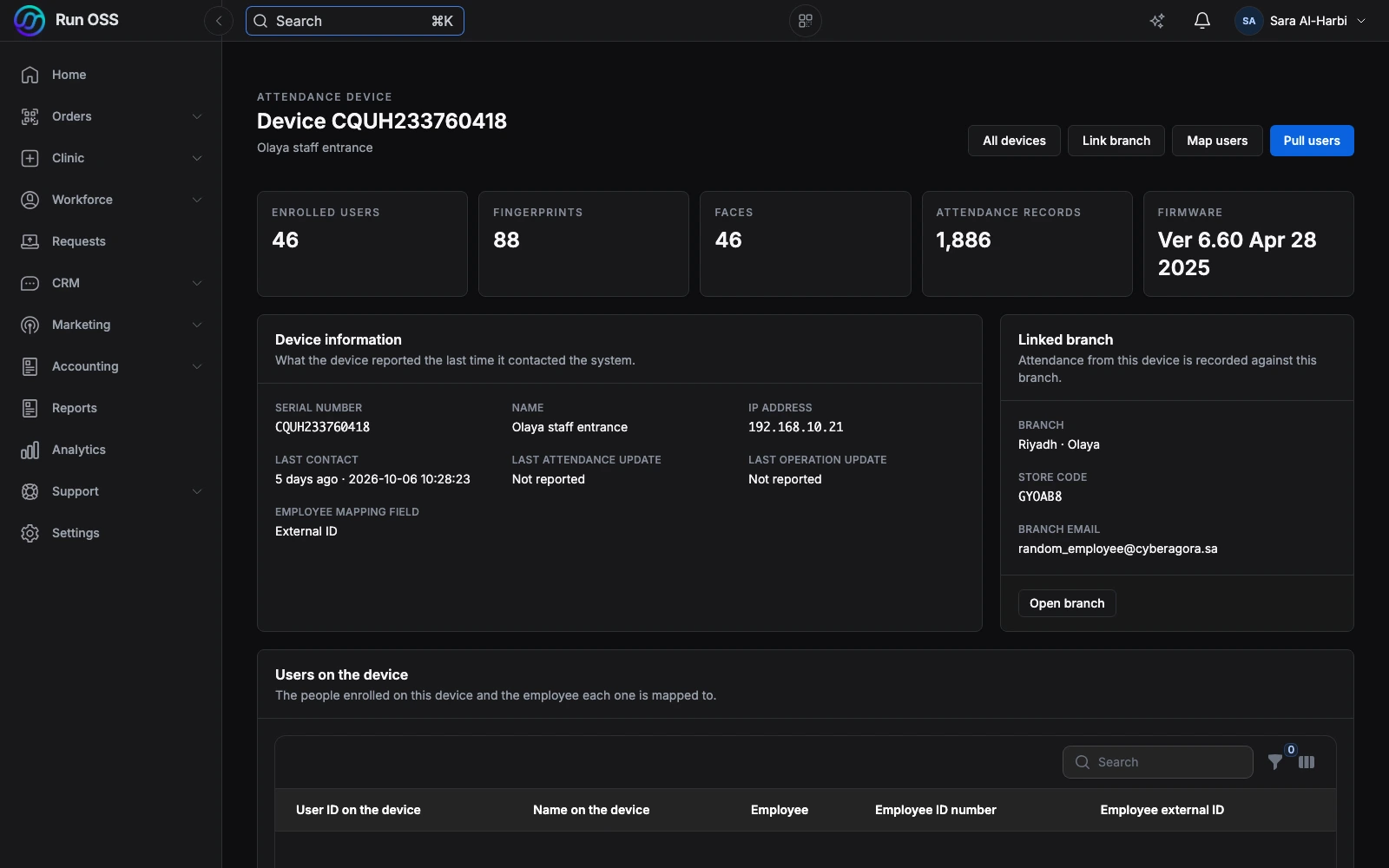
Each terminal registers itself and reports what it holds: who is enrolled, how many fingerprints and faces, and when it last called in. Every punch lands in the right person's attendance record.
Using something else? Tell us what you have and we will tell you plainly whether it can be connected.
Book a callBuilt-in AI
AI is part of Run OSS. It works with your own customers, orders and rules, and only does what each person is allowed to do.
Ask about a customer, an order or a request. Let it open a ticket, create a task or send a form. Every action it takes is recorded.
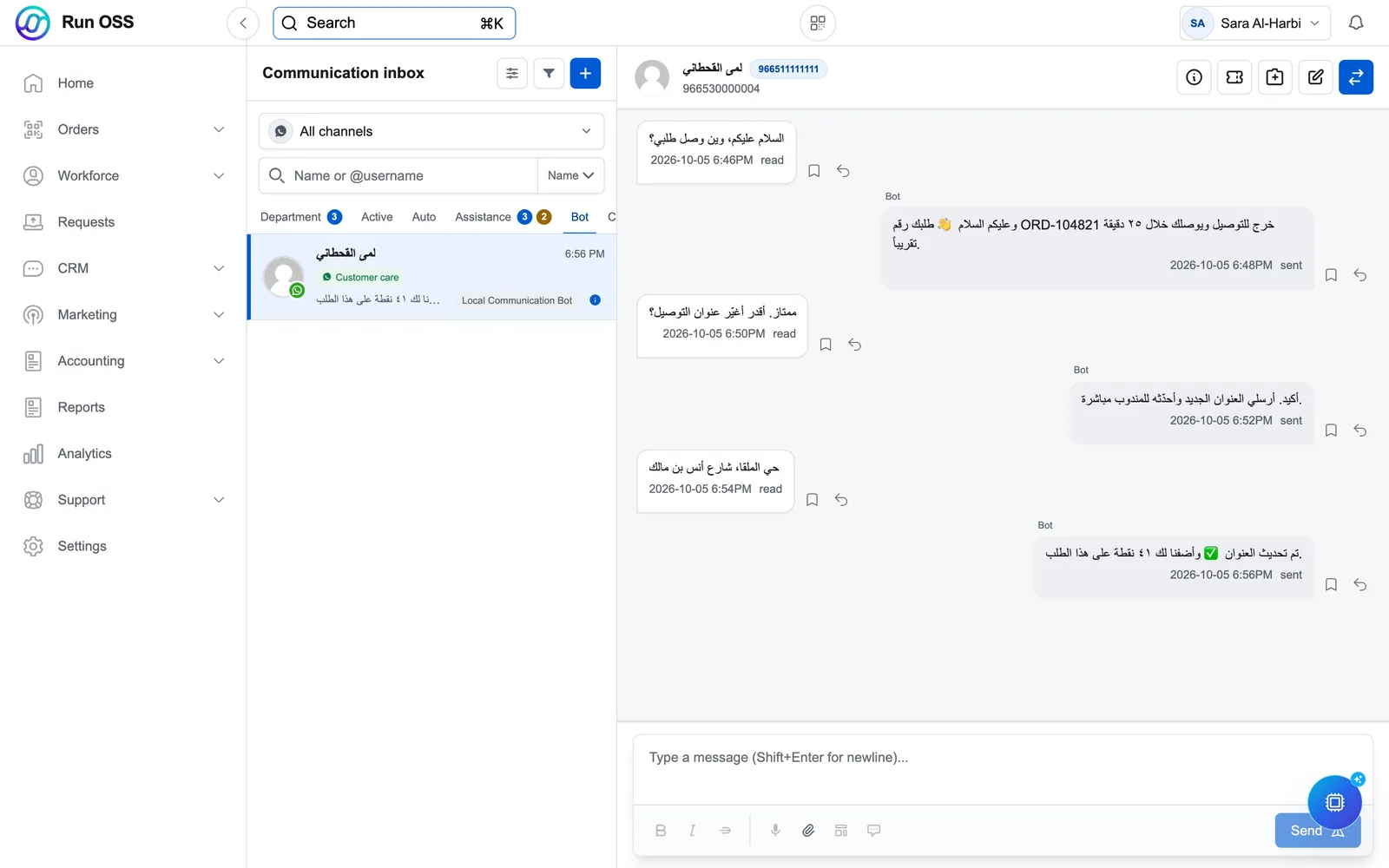
AI replies in Arabic and English, understands voice notes, and hands the chat to a person when it should.
Say what should happen and when. The assistant builds the workflow, and explains or changes it when you ask.
Point it at your product list and it prepares the items for you to review.
Ask it about Run OSS. We publish a short brief written for AI, and every page of this site is available to it as plain text.
Ask
Our AI has read this whole site. Ask in Arabic or English and get a straight answer in seconds.
Reading the site…
Answer
Book a callAnswers come only from what is published on this site, and an AI can be wrong. Please leave personal details out; for anything about your own business, talk to the team.
Your own AI can read this site too: llms.txt · llms-full.txt · this page as Markdown · auth.md
Stores, payments, carriers, messaging and phone systems.










Not on the list? Your developers can connect it through the API, or we build the connection for you.
IntegrationsYour technology partner
TrustPlane sets Run OSS up with you and stays for what comes next.
We set up your workflows, connect your systems, move the data we agree on and help your team adopt it.
We recommend, quote, supply, deliver and configure the equipment that fits.
When you need more, we extend the platform and build scoped integrations.
We maintain your systems, resolve problems and plan your next technology needs with you.
Implementation, hardware, development and support are scoped and quoted for each customer. They are not included in a software subscription.
FAQ
Run OSS is a customer relationship management (CRM) and operations system for Saudi and MENA businesses. It keeps one record per customer across WhatsApp, calls, orders and support, and you can switch on orders, point of sale, loyalty, shipping, attendance and accounting on the same data.
Yes. Run OSS is the new name of OSS, the Operations Success System. It is the same platform and the same team, now published by TrustPlane.
Yes. Run OSS has a full right-to-left Arabic interface and supports Arabic customer messaging, alongside English. Each user chooses their own language.
Yes. The WhatsApp Business module connects the official WhatsApp Business API, so your team can answer chats from a shared inbox, send approved templates and campaigns, and run chatbots. Every conversation is saved on the customer record.
Yes. The accounting module issues e-invoices through the ZATCA Fatoora platform, so invoicing happens in the same system that holds the customer and the order.
Yes. An assistant answers questions about your customers, orders and requests and can carry out tasks each person is allowed to do, with every action recorded. AI can also answer WhatsApp chats in Arabic and English and hand over to your team, build workflows from a description, and prepare your product catalogue from a link, a spreadsheet or photos.
Run OSS connects to Salla, Zid, Shopify and Magento stores, WhatsApp Business, Aramex and FedEx shipping, Nearpay payments, Yeastar phone systems, Microsoft Teams and Slack, and NPHIES and Wasfaty for healthcare.
Yes. Run OSS has documented APIs and webhooks, so your team can connect your systems themselves at their own pace. If you would rather not, we build the integration for you as a scoped service. You are not locked in to us for it.
No. Alongside Run OSS we implement and connect your systems, recommend and supply hardware, build what is missing, and support you afterwards. Those services are scoped and quoted separately for each customer.
Yes. Run OSS has one native app, OSS Connect, for iPhone and iPad (App Store), Android (Google Play), Mac and Windows, and it also runs in any modern browser. Each device is set up once as a personal device or a shared branch device, and IT sees every device with its app version from the admin.
For a new site we install UniFi cameras, door access and network, Sunmi point-of-sale devices, card payment terminals, Teltonika vehicle trackers and Shelly smart relays and sensors, and connect them to Run OSS. If you already own ZKTeco attendance terminals, we connect those too. Tell us what you have and we will tell you plainly whether it can be connected.
Pricing depends on the modules you use and the size of your team. Book a demo and we will put together a quote for your setup.
Book a call or message us, and we will talk through what you need next.
Tell us how you work today. On a short call we map it to Run OSS and tell you plainly what fits.
No pressure and no commitment. A practical first step.